


You: “Okay brain, it’s time to put that presentation together that I’ve had on my mind for the last week. How should I start the presentation? What are the three main points I should highlight? And how I can connect this to our team’s culture?”
Your brain: “Wait, what? Ever since you planted the seed last week, I’ve been giving you ideas left and right for this presentation. What did you do with all of those?”
You: “Really? They were coming up at the oddest times. I was in the middle of work, or I was out on a bike ride, or I was in the shower. You expected me to be capturing them?”
Your brain: “Oh great, you lost them all? Why do I even bother?”
You: “There has to be a better way.”
Your External Brain1: “There is.”
Your brain is a magical idea factory, but it plays by its own rules. You can’t prompt it like you would ChatGPT and expect an immediate and organized response.
Your ideas are your most challenging input into your work management system for you to manage. All the other triage processes that we defined center around you selecting the time to perform the triage. Until you triage your mail, it just quietly collects in the corner. When you’re in the middle of work, your notifications are turned off so you don’t see new chats stacking up. Not to worry, you’re going to get to all of that … when it’s time to triage. Your ideas, on the other hand, wait for no one. You’ve no doubt seen how useless it is to say, “Not now, brain, I’m busy.”
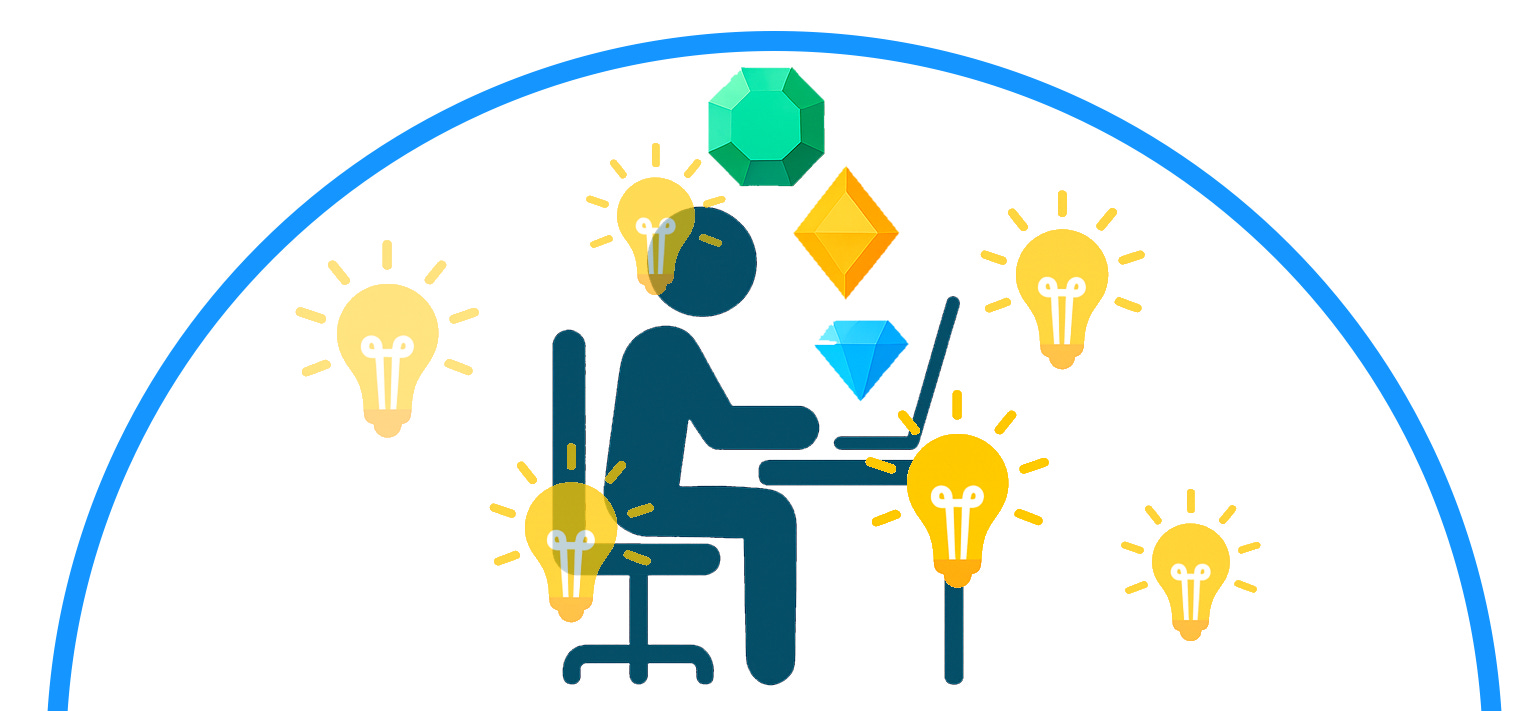
Let’s return to the original Triage Shield image.

The inputs are coming in from every angle, but you’re Triage Shield is blocking all of them. All that you’re aware of is what’s happening inside the shield.
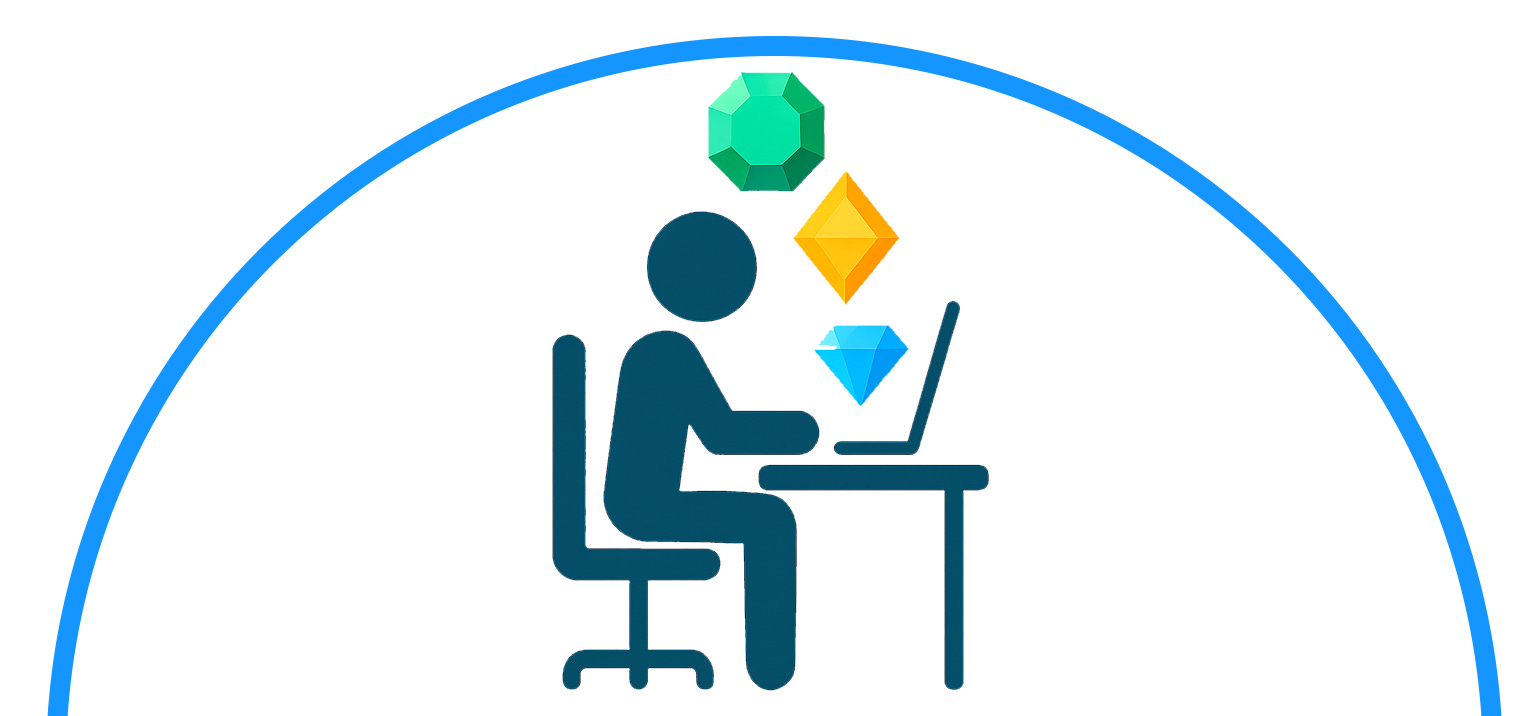
Inside the shield is your sanctuary of productivity. You are alone at your desk, producing gem after gem. It’s a clean, protected space. Well, not completely protected. There’s a rogue agent on the inside, sending off intermittent “idea bombs” to throw you off your game.

You’re trying to just work on those gems, but your brain keeps going off on a tangent. You finish your hour working on the presentation, look at how little progress you’ve made, and again say, “There has to be a better way.”
And your External Brain again responds: “There is.”
This month has been dedicated to detailing the value of a complete Triage Shield2. And I’ve saved the best input for last. Learning how to reliably and instantly capture your brain’s ideas as they pop up is the key final step to keeping you productive under your Triage Shield. And, in the process, you will also unlock the full creativity of your brain.
“The call came from inside the house”
Your brain is right there with you in your happy place, where you are getting real work done. It’s obviously a very necessary ingredient to you doing your work (and just about anything else, for that matter). But it has far less self-discipline than you do. You’re trying to stay focused on the project in front of you, and for a while your brain is your best partner. You’re brainstorming together, riffing off each other, and rocking along. But it doesn’t take long for your brain to throw you a curveball, “The name of the app you’re trying to build should be ‘Vote with your Heart’.”
Confused, you respond, “What? Are you talking about the music app from last week. What does that have to do with this project?” Continue this conversation any further, and you’ll be sidetracked from your work. And that’s just in the first five minutes of your project. You still have 55 more minutes to work together.
Of course, you can just ignore these thoughts, rightfully dismissing them as randomizing. But then you’re setting yourself up for future creator’s block. All of these thoughts coming in are your brain functioning in its normal mode. I describe my free thought process as a dripping faucet that I can never turn off. Regardless of what task I’m doing, there is the ever-present dripping of new ideas in the middle of that. Not knowing how to handle that before, I would just push these ideas aside and try to turn my focus back to the task at hand. This is what I called, “I have ideas. I lose ideas.”
How can you embrace the value of all these new ideas without tanking your focus? You employ your second brain … your External Brain.
Reflexive capture
You need to develop your capture muscle. The goal state is a reflexive and instant capture process that allows you to quickly catch these dripping ideas and just as quickly return to your work. You’ve got a matter of seconds to capture the idea before you are derailed from your flow.
When you first start capturing your ideas, it’s going to be slower than this, and you’re going to lose your train of thought. Just recognize that as you hone your process and as you sharpen the tools at your disposal, you will reach this goal state.
All you need to worry about here is capturing the idea. We’ll worry about triaging the idea later.
The most universal tool is a small notepad and a pen. Carry these with you wherever you go, so that at a moment’s notice you can jot down the idea and move on.
If you want to go higher tech, then use your phone and just say, “Hey Google/Siri, take a note”. Then dictate your note and move on. It’s important to note here that these assistants often require network connection to be able to take a note. One solution to this is to use a local recorder feature instead. On my Android phone, I can double tap the back of the phone to launch a local Recorder app. This is what I use when I’m taking dictations while out on a bike ride outside of the range of any cell tower.
If you type faster than you write, then take advantage of this when you’re on a computer. Create an “Ideas” Word document or OneNote page and leave it open. Then you can readily flip over to that document, type your idea, and move on.
Use whatever combination of tools work for you to guarantee an instantaneous capture. Here is my complete capture system.
At the computer
My computer screen has a Work Management virtual desktop3 on it. On that virtual desktop, I have the Loose Scribbles4 section of my Writing notebook always open. From wherever on the computer I am working, I can jump over to this virtual desktop, type the note, and jump back.
If (and only if) I know exactly where this note belongs inside my External Brain, then this same virtual desktop has my Work4 notebook open, and I can jump to the right project or action and add the note. The key here is that you’re on a very short clock to keep from losing your original train of thought. So you can’t spend any time looking for the right home.
My physical desk has a Post-it pad and pen sitting right next to my keyboard. This is my backup if for some reason I can’t get to my Work Management desktop.
Away from the computer
My phone has the OneNote app on the home screen, and the Loose Scribbles page is pinned inside that app. So I can grab my phone, unlock it with my fingerprint, tap OneNote, tap Loose Scribbles, type the note, and close the phone.
When I am unable to type, such as when I’m on my bike ride, then I first try “Hey Google, take a note” to dictate the note. If I’m out of cell range, I double tap the back of the phone and dictate my note into the local Recorder app.
Daily Ideas Triage
You’ve gone through a whole day of capturing ideas dripping from your brain. Now, on your schedule, set aside time to triage these ideas. I do this at the end of my day, and it typically takes me five to ten minutes to clean out my new ideas.
Make sure your triage process checks all the different places that you could have captured to. For me, this means I visit four places: (1) OneNote: Loose Scribbles, (2) any Post-its stuck to my desk, (3) my Google Keep for any notes dictated using “Hey Google”, and (4) my phone’s Recorder app for any notes dictated offline.
If the idea relates to existing work, then find that work in your External Brain (in one of Actions, Projects, or Someday), and add the idea there. If the idea is new, then create a new page in Projects or Someday and add all the details related to that idea.
Unlocking Creativity
There are two awesome byproducts of your idea capture system.
You will never run out of ideas. The more of your ideas that you are capturing, the more your brain rewards you … with more ideas. The brain says, “Ah, I see you figured out how to capture all these ideas I’m sending your way. Nice work. Here are some more.” And, combined with the rest of your work to offload processing power to your External Brain, your brain has more cycles to dream up even more ideas.
You will never have creator’s block. You no longer sit down in your Sanctuary of Productivity, say “Start creating,” and then patiently wait for the ideas to start coming. You already have an “Ideas Queue” in your External Brain.
The more ideas you capture, the more creative you will become.
Wrapping up Triage Shield
This completes my deep dive into the constituent pieces of my own Triage Shield. You can readily leverage these pieces for your own shield where you need them. What other inputs does your shield need to protect you from? What additional processes have you successfully built, or are struggling to define? Share here so we can learn more from each other.
Footnotes
The “OneNote as my External Brain” section of External Brain