


POIDH is a relatively old acronym, materializing sometime in the early 2000s. It means “Picture Or It Didn’t Happen”, and it is an ask for someone to give you more information, specifically photographic proof of a hard to believe story you just told. The playfulness of POIDH is what I love most about using that phrase. If someone tells you an unbelievable story, and you say, “I don’t believe you,” that could be an insult. But responding with “POIDH” is a kinder way of saying that you need more evidence to believe it.
My longest-standing Microsoft acronym is ONOIDH, a riff off of POIDH. ONOIDH means “OneNote Or It Didn’t Happen.” It is my kinder way of telling someone that the information they just shared will most likely be lost if it’s not captured in a more permanent form. Here’s an example usage in a Teams chat:
Bob: “Valuable Outlook Keyboard Shortcuts. After helping our new team members ramp up on our tools, I discovered the 5 most useful keyboard shortcuts to help you with the handling of your mail. I wanted to share this with the rest of the team in case it’s news to some of you …”
Me: “ONOIDH”
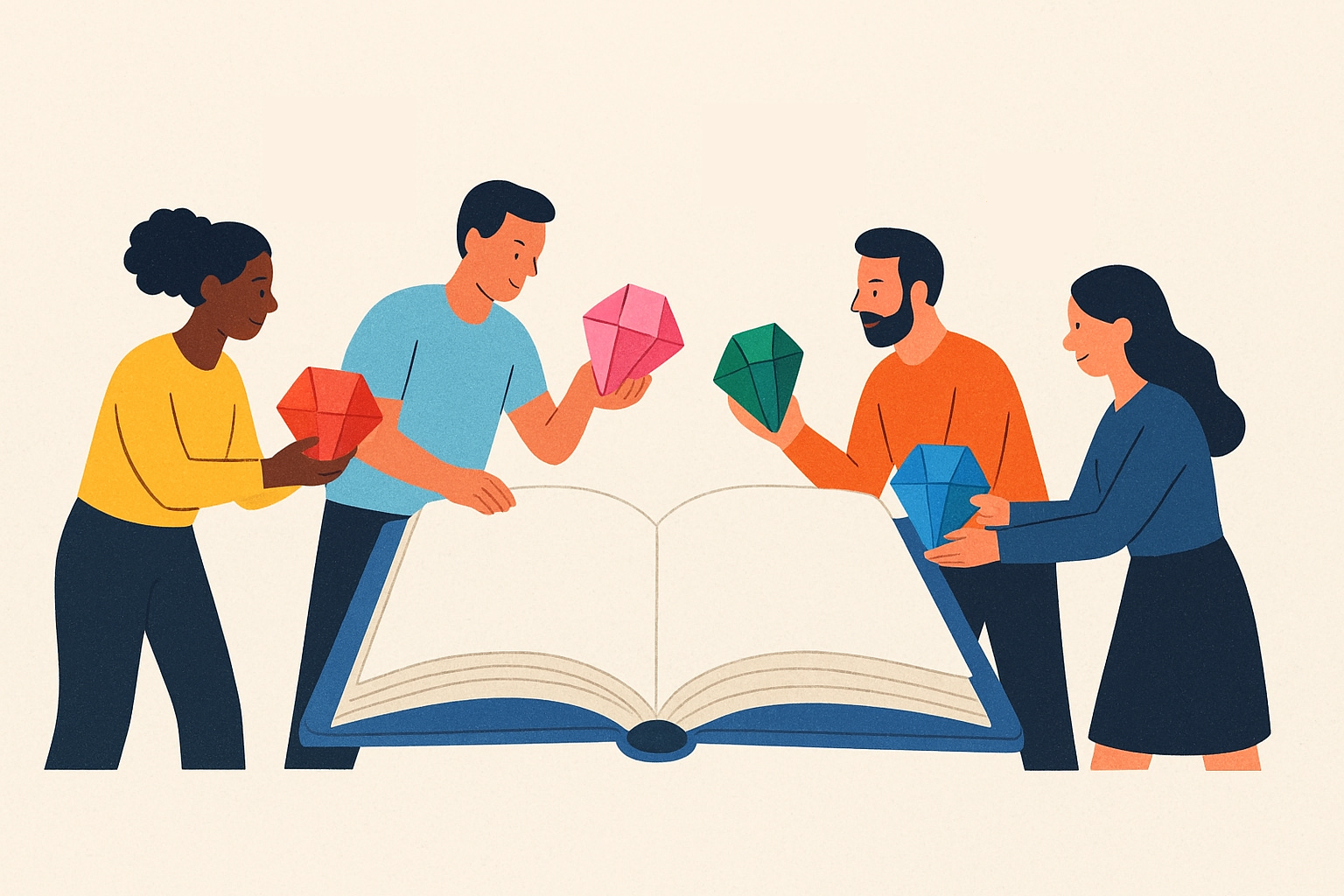
Who will Bob’s message help? It will help those who happen to see it and who are able to remember it. Bob’s message is ephemeral, and the onus is on the recipient to make it stick. My ONOIDH response is encouraging Bob to find a better place to capture this useful information … inside the Team’s External Brain1. As a OneNote guru2, I had pushed for OneNote to be a large part of our Organization’s External Brain. Having a shared OneNote notebook that is editable by everyone in the organization empowered everyone to “contribute a verse.”
You Team’s External Brain1 is a living organism. It is forever pulling in more information, in the quest to shift from tribal knowledge to recorded knowledge. “ONOIDH” is my “oft-uttered phrase” that pushed the team to move collectively from implicit to explicit. Write it down. Leave a paper trail. ONOIDH is all about raising awareness3 that it’s up to all of us to contribute to our team’s knowledge base.
It takes a village
“Tribal knowledge” refers to the knowledge of the family (the “tribe”) that is learned or discovered by being a member of that family. This is the unrecorded knowledge that is passed down from person to person. As much as we strive to make our work teams be more like families, knowledge transfer is one place where we should act less like a family, and more like a business. Larger organizations have the most pressing need to move from tribal knowledge to recorded knowledge. But organizations of all sizes benefit from this move, as do your non-work organizations: your family and your friends. In daily life, how much information is lost because it is delivered or managed in an unstructured manner? E.g. “A good rule of thumb is to get any Root Cause Analysis reviewed by your manager before presenting to the review board.” and “Remember to put a cover sheet on your TPS report.” Tribal is a universal problem, just waiting to be solved with structure. There is no downside to improving information management … anywhere.
When thinking about knowledge transfer, it is important to have the words sustainability and efficiency in mind. We need to manage our knowledge base in a sustainable way, and we need to think about how efficiently we relay this knowledge to the team. Be intentional about the tools the team uses (Sharepoint, OneNote, Wiki, etc.). There’s no single answer, and it’s not a one-time choice. Management of your knowledge is ongoing and evolving. The point is that you need to pay attention to it and not just let it happen. And the more members of the team that are mindful of the team’s strategy for information management, the greater success you’ll have in keeping the information organized.
If you have one knowledge base champ on our team, that would be a full-time job that would most likely never achieve satisfactory results. Every member of the team needs to do their part in expanding and refreshing the team’s knowledge base to make it scalable and sustainable. This is why I find ONOIDH to be so powerful. It is pervasive, and helps to shift the culture of the team over time. ONOIDH reminds people in the moment to do their part in the moment. If the team decides to monthly go back and review all their communication for knowledge base gems, that would be both tiring and prone to miss stuff. If, instead, the team adopts the habit of always asking, “Where does this information belong?”, the team is building their capture muscle, which over time will result in more information captured in a more organized fashion.
Building your team’s capture muscle
I don’t want to downplay the work involved in establishing a “leave a paper trail” mindset. It’s even more challenging than that, because the actual mindset is “leave an encyclopedia trail.” A loose scattering of “paper” is a marginal improvement over email/chat. Yes, it’s more durable, but it’s not that much more discoverable. You can find it in a search, provided you search for the right thing.
Here’s the progression that an organization will follow on their way to becoming persisted knowledge champions:
Crawl: “Write it down” - Rather than passing it on via word of mouth, capturing the information in written form forces a more formal articulation. And now, you have a readily shareable unit of information.
Walk: “Put it some place” - This is where the thought of structure begins. Once information is captured, it is important to make it discoverable. If you detailed your team’s process for milestone planning, but just left that writeup in your own personal notes, it doesn’t help anyone. Think about leveragability of your notes to start you down the path of putting this information in a more discoverable place.
Run: “Put it in a better place” - Once the Crawl and Walk have caught on with enough individuals in the team, you’ll reach an inflection point where you start to standardize on the right tools to use to manage your information. You’ll debate the pros and cons of the various tools at your disposal, and you will continually evolve your working structure. It didn’t start perfect. It will never be perfect. But it will approach perfection through continuous iteration.
Fly: “Put it in the right place” - The ONOIDH mindset has spread deep into the organization. The org has formalized their information management, as evidenced by the information process itself being documented within the team’s knowledge base. Now, in the moment, individuals are automatically expanding and evolving their team’s knowledge base in their day to day activities. It will be second nature.3
With this progression in mind, let’s go back to Bob’s original sharing and look at the reflection and discovery that follows for a team that is pretty solidly in the Walk stage of information capture.
Bob: “Valuable Outlook Keyboard Shortcuts. After helping our new team members ramp up on our tools, I discovered the 5 most useful keyboard shortcuts to help you with the handling of your mail. I wanted to share this with the rest of the team in case it’s news to some of you …” (Crawl)
Me: “ONOIDH” (Walk)
Bob: “Where does this belong? I’m guessing I can put this in our newcomers document that we give to everyone joining the team.” (Walk)
Frank: “That’s better than in email, but then that only helps people coming into the team. What about all the current team members. Your message went to everyone, but the newcomer doc only goes to new people.” (Walk)
Me: “Indeed, this should be on our general site, and then the newcomer doc can easily link to this on our site. Now the question is, where does it belong on our site?” (approaching Run)
Bob: “Our site doesn’t even really have any information like this. Honestly, for all of this kind of information, we’ve always been pretty much ‘fire and forget’.” (Crawl)
Stephanie: “Let’s start small and create a ‘Tools of the Team’ page on our site. There we can enumerate the tools we use and over time add helpful information under each tool.” (approaching Run)
When a team begins pushing ONOIDH, it’s going to require a lot of upfront work. It is quite likely at the start that a “ONOIDH” prompt will only have an easy response about 10% of the time. The other 90% of the time, ONOIDH will uncover a bigger gap in documentation. This will increase frustration, and persevering will be the biggest challenge for the team at this point. But committing to building the documentation muscle and continuing to ask this question will start to change this ratio. After years of my team asking and answering ONOIDH, we reached the point of somewhere around 80% easy and 20% heavier lift.
Let it evolve
A great onramp into your team’s knowledge base is a “loose notes” (or “miscellaneous info” or “unstructured”) section, much like how your own External Brain benefits from having a “Loose Scribbles” section4. If you can’t come up with the right place to capture it permanently, chances are there’s at least an unstructured section of documentation where you can capture it. Certainly, the ideal is to capture it in the right place right from the start. But a loose capture is still far better than no capture. This allows for the natural evolution of your knowledge base. And the best way to drive iterative progress is to have a regular visiting of this unstructured section to look for opportunities to organize and promote info from this miscellaneous section, akin to the triage process for moving your “Loose Scribbles” to proper homes5.
Less email
In Managing Email6, I called out Cal Newport’s book “A World Without Email”, and promised a deeper dive into the topic of less email. With the Team’s External Brain concept introduced, we can now perform said deeper dive.
Every team, organization, and company has some established form of digital communication. Most likely it’s email and/or chat. This communication channel allows teams to exchange information and move on. This is goodness. But there is so much information that is only communicated via email and chat, and never persisted for the broader audience (those not on the email/chat thread) or the future audience (those that haven’t joined the team yet).
The more appropriate title for Cal’s book would be “Email as a Last Resort”. Cal stresses the importance of moving from disjointed conversations happening in email to project-oriented conversations that happen within the context of the project, captured and persisted as part of the project’s knowledge base. So what belongs in email and what belongs in your knowledge base? Certainly there’s a time and place for communication as well as a time and place for documentation. Cal contends, and I concur, that the ratio is off. Organizations and individuals tend to err on the side of communication. Be an Ambassador of Persisted Knowledge, and help move those around you in the direction of documentation that survives.
Whenever you’re starting a conversation that has relevance to the larger team -- be it architecture, process, design, or culture -- make sure that conversation lasts. Recognize that any one conversation is really only part of the team’s ongoing dialogue. Start the conversation by creating a OneNote/Sharepoint/Wiki page and start writing. Snap a picture of any whiteboard drawings and paste them onto the page. Then your email/chat to the team can be as short as a link to this page you’ve created.
Bob: “Valuable Outlook Keyboard Shortcuts. After helping our new team members ramp up on our tools, I discovered the 5 most useful keyboard shortcuts to help you with the handling of your mail. I wanted to share this with the rest of the team in case it’s news to some of you: [[Pro-Tips: Outlook Keyboard Shortcuts]]. If you have additional helpful shortcuts, please feel free to add them to this page.”
Bob’s closing sentence highlights another benefit of persisted storage of this information: encouraging contributions from others. Bob is modeling teaching, and helping to draw out teaching from others. It was a larger investment of time and effort for Bob to set this page up. But it’s very straightforward for anyone else to “contribute a verse.” It’s a good thing Bob didn’t name the page “5 pro-tips” because after the team got involved, it became a healthy list of the top 20 keyboard shortcuts.
Footnotes
The “OneNote as my External Brain” section of External Brain
The “Daily Ideas Triage” section of Harness the Power of “Idea Bombs” … but for teams, this routine doesn’t need to be daily. Weekly is a pretty good frequency for the team’s loose scribbles.